
Teach Your Way with BenQ · 2025-12-03 · 24 min
Key moments - from our scoring
Substance score
11 / 100
Five dimensions, 20 points each
This episode explores the seamless integration of Canva - the popular design platform - with BenQ interactive boards and the bundled EZWrite software. Lauren McMillan walks through practical workflows: downloading the Canva app directly from the BenQ board's Play Store, importing multi-page Canva presentations as PDFs into EZWrite to preserve design while adding whiteboard functionality, hyperlinking Canva activities to split-screen with lesson content, and using floating tools like spinners for real-time student engagement. Teachers benefit from avoiding workflow disruption - existing Canva templates transfer directly without recreation. The demo showcases how annotation tools, live hyperlinked resources, and multi-app display (Canva + EZWrite simultaneously) enable faster lesson delivery, quicker formative assessment, and increased student participation. InstaShare 2 support allows multiple students to cast designs for comparison and peer review. The BenQ board's open platform philosophy means teachers teach their way, not the hardware vendor's way - critical for adoption in resource-constrained educational environments.
Open Canva on the board, select your lesson, tap the share icon, download as PDF, and EZWrite will automatically recognize and import all pages into your workbook, preserving the original design.
Yes, the board supports split-screen functionality - hyperlink Canva activities from EZWrite or manually resize windows to display both applications simultaneously, allowing students to reference both the lesson and interactive content.
Importing gives you full access to EZWrite's annotation tools (pen, highlighter, shapes), allowing you to mark up, edit, and save notes directly on the Canva content without leaving the whiteboard software.
Students can edit shared Canva designs live through the Canva app or browser while teachers display changes in real time on the board using the Canva app or InstaShare 2, enabling immediate edits and peer feedback without delays.
Use the hamburger menu (three lines) in the bottom left of EZWrite and select the universal share icon to generate a QR code, link, or direct export to Google Classroom, Schoology, or other LMS platforms.
Our reviewer’s read on each dimension, with quotes from the episode.
The episode is almost entirely a step-by-step product walkthrough with no substantive insights for any operator or practitioner. Every 'tip' is a UI instruction (tap here, download as PDF, hold two fingers down), and the handful of broader statements are pure platitudes about engagement and saving time.
the easiest thing I can do is I can click the share icon and I can download it and I'm just going to keep it as a PDF
I hold two fingers down held on the board and it comes to you, um, little tip thrown in there
There is zero original or counterintuitive thinking in this episode. Every claim - students engage more with colorful visuals, teachers don't want to rebuild workflows, collaboration is good - is a recycled truism. The entire content is a vendor marketing demo with no first-principles reasoning.
make things look cute, make things themed, have all of the colors match on everything that you're creating
They're not looking at some boring plain black and white design
The guest is a BenQ-employed field application engineer and trainer - essentially a vendor sales/support representative. The host is from BenQ Marketing. There is no independent practitioner, researcher, or senior education leader; both parties are company insiders conducting a coordinated product demonstration.
joining me is Lauren McMillan, uh, one of our BenQ field application engineers and one of our trainers
I'm Carly with BENQ Marketing
The only concrete details are UI-level instructions (seven-page document, hamburger menu, three dots). There are no learning-outcome data, no named schools or districts, no adoption metrics, and the one real-world anecdote ('a client with third graders') is entirely unnamed and unverifiable.
it noticed that I had a seven page, um, document. And so now I can import all seven pages
We have um, a client that I got to go visit and they had third graders using Canva
Every host question is a scripted feed line designed to advance the product demo, never to probe, challenge, or deepen understanding. There is no pushback, no follow-up on vague claims, and no moment of productive tension; the conversation is a coordinated marketing script.
That is super, super easy. That's the reason why we call it ezright, guys. It's easy.
give me a little insight. I know personally, personally I use Canva everyday in marketing
Computed from the transcript - who did the talking, and the words that came up most.
In this hands-on episode, Carly Burton is joined by BenQ Field Application Engineer and trainer Lauren McMillan to explore how teachers can seamlessly bring Canva creations directly into classroom instruction using the BenQ Board and EZWrite software. From live-editing Canva projects on the board to importing full lessons into EZWrite with one tap, Lauren walks through real workflows educators can follow to save time, boost engagement, and teach in ways that feel natural - not time-consuming. Whether you’re a Canva-loving teacher or new to BenQ Boards, this episode will help you unlock creative, collaborative, and efficient approaches to digital instruction. What You’ll Learn in This Episode: Use Canva directly on the BenQ Board via the Canva app Import Canva lessons into EZ Write for dynamic instruction Combine EZ Write + Canva for powerful split-screen teaching Enhance classroom engagement with floating tools, spinners, and web tools Elevate creativity and student participation with Canva whiteboards + InstaShare Try these strategies in your classroom today! Visit BenQ Education Solutions to explore interactive panels, guides, and training resources.
Transcribed and scored by The B2B Podcast Index.
Speaker A: This is Teach youh way with BenQ, where educators find ideas that work. Let's get started.
Speaker B: Hi everyone. Welcome to the newest episode of the Teach youh Way with BenQ podcast. I'm Carly with BENQ Marketing and we're excited to get into how to use your BenQ board and the EZWrite software that comes with it subscription free with Canva. And today, joining me is Lauren McMillan, uh, one of our BenQ field application engineers and one of our trainers, um, who's going to talk to you about all things how to utilize CANVA within your ezwrite software that comes on the board. Uh, so we're going to be talking about creativity, we're going to be talking about simplicity, we're going to be talking about connection, because we know that's what every teacher is striving for in the classroom with their students is connecting, getting them excited about the lessons and helping teachers figure out how to take their lesson materials that are made in Canva, bring them to life, work with the board and ezWrite and other web based tools to kind of really get the collaboration and excitement in the classroom level up, up, up. So if you are a Canva loving teacher, this episode of the show will be perfect for you. Now this is going to be a step by step demo. So if you are listening on audio only and want to follow along with your board, that's perfectly fine. We're gonna do our best to make sure we explain what we're doing on the board. But the easiest way to do it is to come and jump over to our YouTube channel and check so that you can walk along with Lauren and I this morning. Um, or walk along with Lauren and I when you get to your board and be able to do everything that we're going to be explaining in real time on your own device. So let's go ahead and get things kicked off. How are you today, Lauren?
Speaker C: I'm good, thank you so much.
Speaker B: Good. All right, so let's talk about why teachers love Canva and how they work so well with the BenQ board. So, uh, give me a little insight. I know personally, personally I use Canva everyday in marketing, but, um, I know teachers are really game for it. So you want to give us a little background on it?
Speaker D: Yeah, absolutely. So, um, a lot of the teachers that I work with also when I was a teacher and when I was an instructional coach, um, CANVA was a tool that I used all the time that all my teachers loved using. Um, it just channels all of that creativity. The options are just endless in Canva. So being able to make things look cute, make things themed, have all of the colors match on everything that you're creating, um, that goes a long way in terms of getting students excited about what they're seeing. They're not looking at some boring plain black and white design. Um, they're able to engage in the learning as well. Um, because the teachers and the educators are able to, um, just channel all of that creativity, um, utilizing their Canva account.
Speaker B: Wonderful. And how does BenQ's open platform that we love talking about, how does it make it easy to bring those materials into, uh, the classroom and into the software?
Speaker D: Yeah. So as you can see on my board, I'm actually already in Canva, so I am using the canva app. So that's one of the best things about the BenQ boards, is that you can walk up and start using all those resources that you're currently using in your classroom every day. And one of the easiest things to do is to download the Canva app straight from the Play store on the board. Once you download the Canva app, I can tap on the canva app and then it's going to open to either the last file that I had open or it will open my entire home screen. So those of you that use Canva all the time, you can see on my screen that it looks exactly the way it does when you're using the web browser, um, on your computer or the app when you're using a tablet or an iPad. So, so I'm able to navigate all of the same things in my design. I can add my elements, I can manipulate my pages of this presentation. I also have the present mode and the share mode. So I can interact with all of my designs directly through the Canva app without having to worry about downloading something or pulling something in or being able to send it from my computer and then project it here. It all lives right here within the board itself.
Speaker B: What's really great is that this is a tool that works pretty seamlessly, um, on the board, in the app. But what other benefits are there to having a tool that works with your existing workflow rather than making you change it?
Speaker D: Mhm. Well, as you all know, teachers, um, a lot of y' all don't have time to go change your workflow, develop something new, have to create new resources. And so one of the big resources, um, that is used the Most on the BenQ board is our EzWrite software. Um, so the EzWrite is already on the board. Um, you'll notice here I've got a lesson that I had already started. Um, this lesson actually came from Canva, so I didn't have to redo everything that I did in Canva inside of our digital whiteboard. I was able to just take my template from Canva and use it directly in my whiteboard.
Speaker C: But now I have all of my whiteboard features that I'm used to using
Speaker D: and I still have access to that. So I'm able to use my Canva document. But I'm also able to enhance the learning by utilizing all of the tools that you have access to through the whiteboard as well.
Speaker B: That's great. Um, and man, does it look good. I'll just say that if I was a student in a classroom, I'd be on the edge of my seat. Uh, so, yeah, let's talk about using Canva. With ezWrite. You kind of talked about, without going into detail, how you got it into the ezWrite software. What are some simple ways that teachers can import and open Canva creations in their ezwrite?
Speaker D: Absolutely. So I'll actually show you how I got this exact lesson into ezWrite. So, um, when I'm in the Canva
Speaker C: app and I am on my home screen, um, and I go into that
Speaker D: lesson that I have created, I will
Speaker C: open my lesson
Speaker D: and again, maybe I need to make a couple edits real quick. I'm able to do that directly on the board because this is the full view and edit mode of canva. But the easiest thing I can do is I can click the share icon and I can download it and I'm just going to keep it as a PDF because I just want to keep all my pages how they are. When it downloads, it's automatically going to ask me what I want to do with this lesson.
Speaker C: And so now I'm able to send
Speaker D: it straight into my ezWrite workbook. So you'll see here it noticed that I had a seven page, um, document. And so now I can import all seven pages. I can send them directly into my ezwrite and you'll see how easy it is.
Speaker C: So now it just took my seven
Speaker D: page lesson to added an additional seven pages. And so now all of those pages
Speaker C: are here and I can scroll through, I can click on a different one, I can manipulate the resources. And so I have a lot of options, um, for those resources that I just used, if I want to rearrange things, I can just click and drag. So maybe I sent in multiple documents.
Speaker D: Um, I can still continue building within ezwrite, it doesn't have to just be the one page. But maybe this is my starting point because my lesson is about to be a comprehension activity on the story of Christmas trees. And so now, because I spent my time building it in canva, but, but I want to utilize some of the features in ezWrite, like my pen tool. I want to be able to, um, annotate on my story here. I now have access to all of those resources because I sent it directly to ezwrite.
Speaker B: That is super, super easy. That's the reason why we call it ezright, guys. It's easy. Uh, so how do features like the floating tool enhance your canva based lessons?
Speaker D: So in this case, I have a passage here that I was able to
Speaker C: bring in using the import media icon. I just clicked on my media and then I brought in my story.
Speaker D: Um, and a big thing, especially in this example is being able to annotate. So when my students are following along and we're discussing some of the main themes of reading, we're looking for that message, we're looking for the supporting elements of a main idea. Um, and I want my students to come up to the board and work with this.
Speaker C: They can now walk up to the board and they can use all of these to tools. So maybe I've got, my students are going to be, um, underlining and they're
Speaker D: going to be circling certain elements of the lesson.
Speaker C: Well, I can actually come in here and I'm ready to write directly on here, but I can also add those annotations. So now I can mention, you know, paragraph one and two are talking about, um, Right.
Speaker D: So I have the ability to now annotate on here when I navigate to my previous screen. So maybe I want to mention these are the reminders about this is what we're thinking.
Speaker C: And I go back, you'll notice all
Speaker D: of those annotations are still here. So because I've imported that into ezwrite, I get to utilize all of those features here.
Speaker B: That's great. Um, let's move on and let's talk about using canva in the web based BENQ experience. So how can teachers open canva's web design version directly on the board? You showed it a second ago. But can you, uh, walk us through that?
Speaker D: Yeah. So in addition to opening the canva app, which I already showed you, now that I'm in ezwrite, I actually have an activity in my canva present in my canva dashboard as well that I've actually paired with this lesson.
Speaker C: So this Christmas tree right here, it
Speaker D: looks like just a cute little Christmas tree, but it's actually hyperlinked to a Canva activity. So I'm going to tap on the
Speaker C: hyperlink, got to put my select tool, I'm going to tap on the hyperlink
Speaker D: and you'll notice that it auto split my screen with ezWrite and Canva so I don't have to choose just one thing. Um, if you've spent any time on the BenQ boards, you've probably seen that multitasking is a strength that it has. We want you to be able to quickly access all of your resources, whether it be in the whiteboard or the Canva app, or even in your Google Drive. So now that I've hyperlinked my Canva activity, it auto split my screen.
Speaker C: Maybe I want to view a little bit more of the Canva. I can resize my screen, so. Or if I want to be able to see my full passage, um, I
Speaker D: can just kind of zoom out. You'll notice all of my annotations are still there and I can see my entire Canva design.
Speaker B: Oh, that's okay. So that's super cool. Um, and I understand that this is something that will hopefully help teachers move a little faster in the classroom, because we all understand that the minute teachers stop to go do something on their laptop or take their eyes away from the lesson for two seconds and everyone loses their focus. And that's really, really hard to reconnect with the kids and get them moving again. So, ah, what advantages are there between switching between the Canva browser interface and the whiteboard without missing a beat? Is that kind of what we were just going over?
Speaker D: Yeah, I think the ability to, um, do multiple things at one time, a lot of times I know for me, I don't want to have to pick if I want my students to look at just the story or if I don't want them to just have the whiteboard. But I want them to also be able to see the options in the direction that we're going. So being able to utilize the app version at the same time as another application, it no longer limits what my students are looking at, but it also allows me to keep them engaged.
Speaker C: So I can even use something like the spinner. So in the toolbox of ezWrite, I can pull up my spinner. I've got a little saved Christmas themed spinner here. I can tap the spinner. And this is one of our floating, um, widgets. So you'll see here, this is my
Speaker D: spinner and it shows number five. So now my students know they're going
Speaker C: to find ornament number five. And this is now the activity that
Speaker D: we're doing, and they're able to reference the resource. I think a lot of times when you're only using one resource at a time, you're limiting the amount of options that students are considering. And just being able to have this kind of as a reference point and know what, where we come from, where we're going, um, just really takes, um, that lesson to the next level. But also it really encourages that student participation and engagement as well.
Speaker B: Well, and I also think a lot of this helps save time for you, for sure. So, um, are there any other examples you'd like to share on how utilizing, uh, the two softwares together, um, helps save time and like, elevate classrooms?
Speaker D: Um, I think just like I mentioned, the ability to kind of send resources
Speaker C: directly from one to the other.
Speaker D: Um, you know, I've already spent my time building this lesson. I don't want to have to go rebuild it in ezwrite and so when it's here. But let's say, for example, that that
Speaker C: ornament activity that I just had pulled
Speaker D: up, maybe here, I don't want this to show, maybe I don't need it
Speaker C: in split screen, but the fact that I can easily come in and I can send this straight to my ezwrite without having to recreate anything. So again, I'm just going to tap the share icon, I'm going to download it.
Speaker D: I'm just going to download it as a picture and then again I'm going
Speaker C: to send it right into ezwrite. And here we go. I took that picture of this and
Speaker D: now it's in that lesson that I already have. So thinking about before I send in the presentation, in this case, I'm taking those resources and creating a picture. Um, it just makes it really easy to, um, take all of those fun resources and fun features that you've been curating and building, um, over the last few months, in the last few years. Honestly, those of you that have been using Canva for a long time and you don't have to start all over.
Speaker C: Um, another tip I will share is how easy it is to grab hyperlinks as well.
Speaker D: So I'm on this same design.
Speaker C: When I do share, I can grab my link to this presentation and I can quickly come in here and tap copy. When I come back over to ezwrite,
Speaker D: maybe I want to hyperlink the image
Speaker C: to go directly to that. I can Tap on the three dots. I can tap hyperlink. And when I tap in, it actually
Speaker D: already has it in the clipboard because the board's pretty smart and it recognizes that you've copied a link and you probably want to use it again.
Speaker C: So when I tap on that clipboard, it brings in that link. Now when I tap on the link, it's going to split my screen.
Speaker D: And now I've got it in multiple formats. So again, just the ability to kind of, um, take what you're already doing, add a little extra to it, um, bring in some of those engagement pieces and use multiple things at the same time with Canva is one of the easiest, um, app connections I've seen teachers use in the classroom.
Speaker B: I think this is a really great example because, uh, I know come December it's going to be really hard for us to keep students attention on actually what you're supposed to be teaching them. So make making it more engaging, making it a little bit fun, giving it a little bit of holiday flair. I know all teachers love a little flair, so this is a really great example of that. Lauren, that was really helpful. So what other ways have you seen teachers or students using Canva and the boards together creatively?
Speaker D: So a lot of times I will see especially, um, Canva classrooms when students are collaborating on a whiteboard in Canva, when you have the Canva app open
Speaker C: by itself and you've got that design
Speaker D: and students are collaborating on it. The nice thing about using the Canva app itself is that when students and teachers are collaborating on that Canva whiteboard, you're looking at it all happen in live time. You don't have to wait for somebody to share something and then do something else. Um, students can be on their computer adding to that whiteboard, adding to the, um, resource in Canva and using the app, it has all of those changes and updates in live time, which is also really helpful for those of us that tend to make mistakes and you don't notice it until it's up there. You can quickly tap on it and edit it in the moment. You don't have to go worry about, you know, fixing it on your computer or sending it somewhere, um, so it saves a lot of time that way. But also the amount of creativity that I'm really seeing from students, especially my last couple years in the classroom, um, I was at a middle school, and the creativity that students have when they're given the freedom to design and create and represent their thought process in Canva, um, being able to make infographics and being able to make presentations and then they get to walk up to the board, show their learning, um, and share that and take ownership. Um, it just really takes all of that student um, participation to the next level as well.
Speaker B: Yes, I would agree. We have um, a client that I got to go visit and they had third graders using Canva and they were using it with the board through instashare, which is another one of the softwares that comes subscription free with the board. And they, they were doing peer review and it was great because you saw the kids that were creating the infographics, sharing them and then excited to hear what their peers saw and they were real time editing them, um, with the board in Canva. And then the teacher, because she had it tied to her Google classroom, was able to immediately send it to the person who created the infographics so they could go back into Canva on their own and make the edits, do any little tweaks or whatever so that the next round of peer review would go a little smoother, a little faster. And it was wonderful. So I do think it really is helping to activate like the imagination of some of these kids and get them like really involved in teaching themselves as well as helping the teacher make sure that they're recognizing the concepts and really gaining the full amount of what they're supposed to be learning.
Speaker D: And I will say pairing this with instasharer too, I'm glad you mentioned that is nice because you can have multiple students cast at the same time. So again today I've shown you how to split screen, how to utilize multiple apps at the same time. Thinking about that in the next level, when using Instashare 2 and the students have that pulled up, you can have multiple devices displaying at one time. And so now you can compare and contrast the work that they've done. Or maybe it's um, looking at the different ideas that people had all about the same topic. It's always interesting to see um, how one person kind of processes it and then puts it out compared to another person. So being able to have all of those shown on the board, it just again, the opportunities are endless.
Speaker B: They really are. And it's also a really great way to do a very quick understanding, um, check, uh, to make sure that they're getting the concepts that you're trying to teach by asking them to quickly pull up their version of a drawing or a, ah, word bubble or whatever it is that they got from whether it's the reading or the math lesson. Being able to quickly do A quick real time check and see and then know where you need to go circle back on for comprehension help after the fact. So what are some big aha moments that you've seen from teachers once they realize they can utilize two tools seamlessly in one?
Speaker D: Um, honestly, it's the deep breath that I hear of, like, oh, that's so much easier. It's taking what you're already doing and just finding a workflow that just makes everything work a little bit better. Um, sometimes you don't know what you don't know until you know. You didn't know it until you know. Um, I think that that is honestly anything that saves time, anything that boost engagement, um, and anything that utilizes the tools that are already here. Um, you know, like right now I'm back in. This is just the canva app here. And if I wanted to utilize the
Speaker C: floating tool, I can easily utilize the floating tool, um, by just, I just
Speaker D: hold two fingers down held on the board and it comes to you, um, little tip thrown in there.
Speaker C: But so now I can quickly use my floating tool if I wanted to just live here.
Speaker D: So again, when teachers realize like, oh, I don't. There's not just one way of doing something and certain times call for different types of resources. And so, um, I think that realization of, oh, I don't have to stop what I'm doing, I don't have to start over, I don't have to recreate what I've already spent the last couple years creating, um, is really just that
Speaker C: game changer element for them.
Speaker B: Well, and I think that's what a lot of teachers will tell you, um, when it comes to the boards is I know our tagline is teach your way and that's the whole name of this podcast, but that's literally what we're trying to do. We're trying to make your jobs as educators your jobs as it as easy as possible by giving you a tool that teachers can jump into almost immediately and with a little finagling and learning the ins and outs, which is what we're sharing with you here today, of the board, they can teach the way they've been teaching for years and not have to completely augment or relearn or re import all of their knowledge from years and years of teaching into a new platform because somebody from it decided to buy a new piece of hardware without seeing how it interacts with everything else they have. So this is a really great example. So as we wrap up now, um, I just want to thank you so much for all of your help in helping to explain all of this today for our users and the people that are joining us on the podcast. I, um, think that by combining canva's, uh, creative freedom with the interactive power of the boards, teachers can do so much. They can design once, teach dynamically, and then engage students like never before. We're always looking for examples of that. So if you happen to be a BENQ board user and you have an example, please feel free to come find us on all of our socials and share. We love hearing from you guys. Um, it helps us to make sure that you're getting the most out of your board. That's what we're here for, is to make sure you get the most out of your board. That it's helping you do your job easier, faster, better. And we really love seeing you using it in the classroom and the students engaging with it. Do, uh, you have any final comments before we check out?
Speaker C: Um, I think the last thing I would share in terms of this connection
Speaker D: between ezwrite and canva is, is now that I've imported this lesson, I've done this activity with my students, I've made some edits, but maybe I need to teach it again. Or there's always the question of, well, now what do I do with this? So, as we close out, I'll just leave you with a tip of, um, um, the easiest way to kind of share this if you want to, um, send it to your students, maybe you want to drop it in Google Classroom or Schoology or whatever LMS you're using, um, or you want to pick up where you left off.
Speaker C: Tomorrow, you can tap on the hamburger menu in the bottom left, the three lines, and use that universal share icon.
Speaker D: And then you have a lot of options to share this resource. Um, so you can quickly create a QR code, students can grab it right there in the room. Um, or you can save it as a PDF or you can save it as an ezwrite file, um, to continue editing a little bit later or to share with your teammates.
Speaker B: Absolutely. Well, uh, again, thank you so much, Lauren. You've been wonderful as always. Uh, our FAE team, our engineers, and our trainers are great, so we really appreciate all that they do for us. And as we head into the holiday season, get creative, people, and share, share, share. Because we know that teachers are all about sharing and making life easier for each other if possible. And especially if you have that creative gene. Get to it. Um, I want to say we're really excited to be able to head into the holiday season with all of the fun coming at us. And as we look to 2026, we're really excited to have you guys with us and look forward to sharing more opportunities, um, of hearing from our customers and seeing new tools and fun actions with the board. Um, I would like to invite you guys all to listen, tune in to the future episodes of the podcast. You can find us on YouTube or you can also find us on any platform, uh, any streaming platform out there, uh, whichever one you prefer. And please find us on all of our socials. We'd love to connect with you. Uh, we're always looking for people who like our products and want to talk about it because we know that is the best way for everyone to really see the value of the products. I know Lauren used to be a teacher. I've never been a teacher, but I've worked in education for 20 plus years. So, um, I know that teachers really get a lot from this. So thank you again, Lauren. Uh, and thank you everyone for joining us and have a great holiday season and we'll see you in 2026. Bye, guys.
Speaker A: Thanks for joining us on Teach youh way with BenQ. For more resources and teaching inspiration, visit us online at BenQ Board. Don't forget to follow the show so you never miss an episode.
Other episodes covering the same guests and topics, from across The B2B Podcast Index.
 How B2B Marketers Use Freemium to Unlock Enterprise DealsB2B Marketing with Fexingo · on Canva82 / 100
 She built Microsoft's Great Copilot Journey Program. Now, AI is her Co-Founder | Kristin GinnUnlocked Professional: AI and Future of Work · on Canva80 / 100
 The Power of You Encoded Content, with Jodi Kay EdwardsBuilding your LeaderBrand · on Canva80 / 100
 How a Solopreneur Built a Passive Income Stream with One EbookSolopreneur Sessions with Fexingo · on Canva76 / 100
 SpaceX Surges, Anthropic Stumbles, and Bezos Bets $12Btrading places · on Canva72 / 100
 How Consumer Insights Shape Creativity Across MarketsInside Insights · on Canva70 / 100
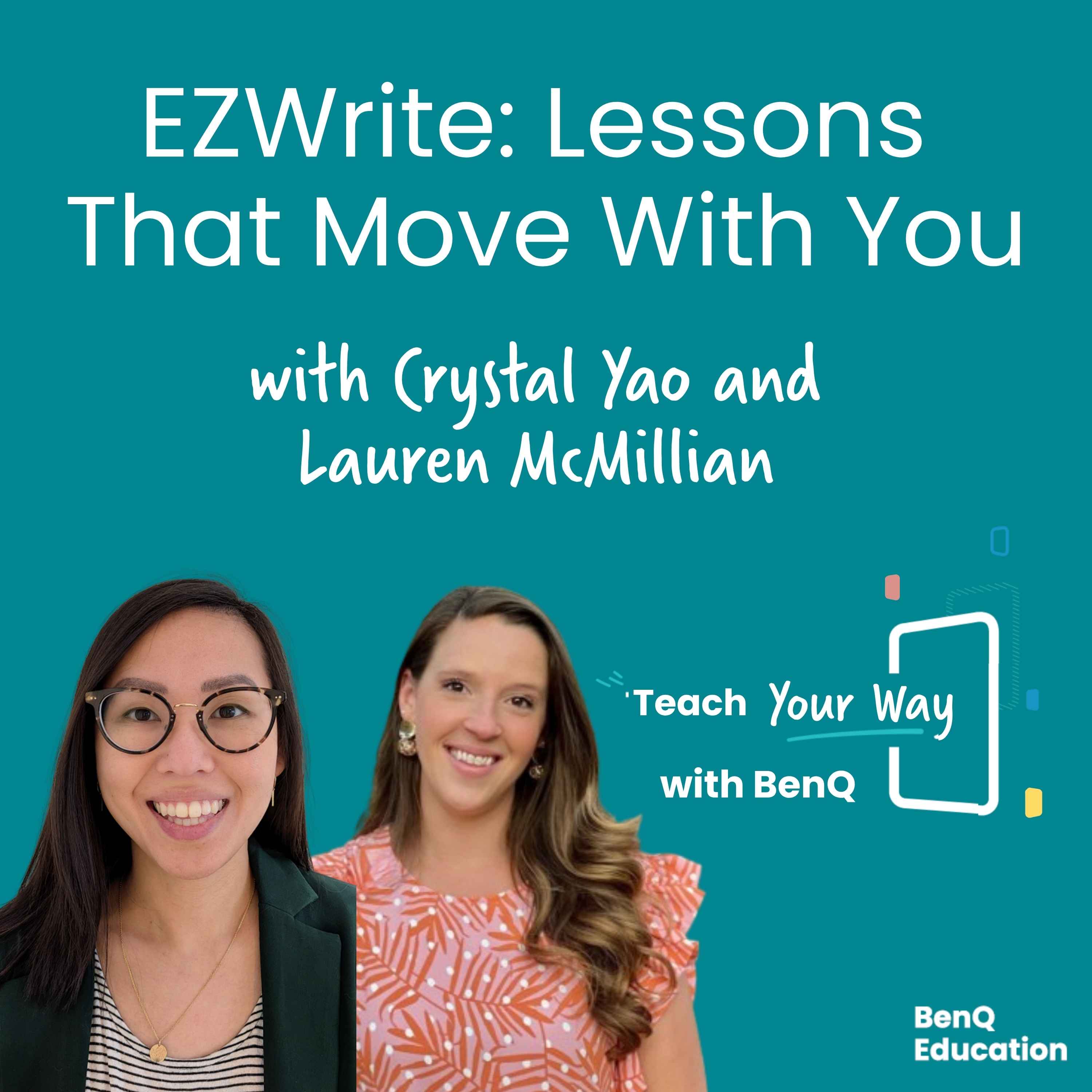 EZWrite: Lessons That Move With You29 / 100
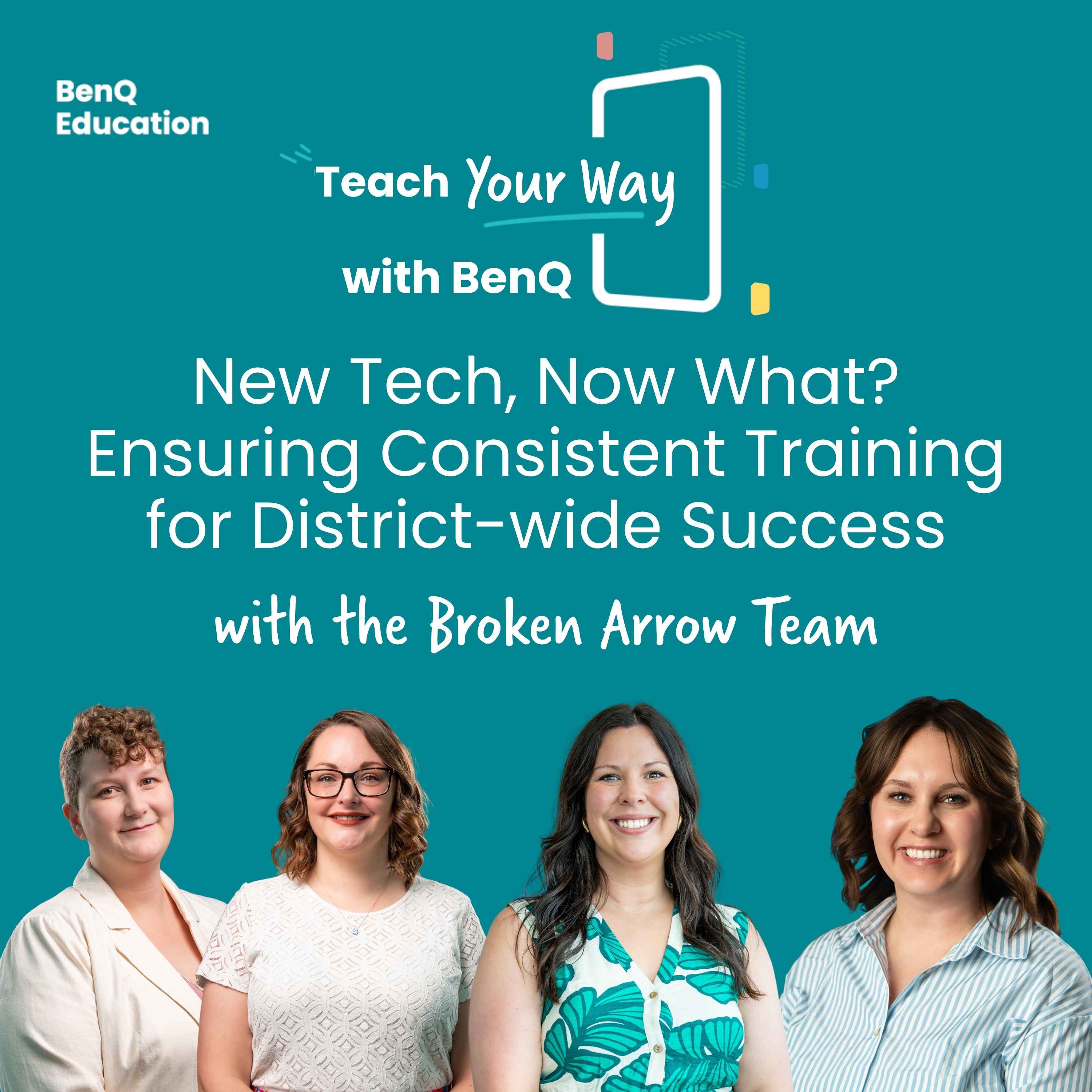 New Tech, Now What? Ensuring Consistent Training for District-wide Success53 / 100
 Onboarding to Ongoing Support: How BenQ Sets Schools Up for Success34 / 100
 Inclusive Design: BenQ Board Tools for the Neurodiverse Classroom47 / 100
 Built for How You Teach: Google Integration Done Right40 / 100